
AI & automation
Document search & retrieval
Ask questions across your documents and get answers that cite the source.
What is AI document search?
AI document search lets people ask questions in plain language across your policies, manuals, contracts and past work, and get an answer that cites the exact document and section it came from. People can check the source in seconds, and they only see answers from documents they’re allowed to see.
What problem does document search solve?
The answers are usually written down somewhere: in a policy, a manual, a contract or last year’s project folder. Finding the right clause takes long enough that people ask a colleague or guess instead.
Document search finds it for them and shows where the answer came from. Because every answer cites its source, people can check it before they act on it.
What you get
Plain-language answers across your documents, each with a link to the source page, so people can check before they act.
Document search & retrieval
What’s included
Document collection
What should be searchable, gathered from where it lives today.
Preparation
Documents structured so the right section can be found, not just the right file.
Plain-language answers
Ask a question the way you’d ask a colleague.
Source citations
Every answer links to the document and section it came from.
Access control
People only get answers from documents they’re allowed to see.
Keeping it current
New and updated documents added as they change, so answers don’t go stale.
Who AI document search suits
A good fit for
- Policy, procedure and handbook lookups. Staff questions answered from the official version.
- Contracts and client terms. Find the clause without reading the whole agreement.
- Technical manuals and knowledge bases. The right page from hundreds, in seconds.
Probably not the right fit if
- You have a handful of documents. A well-organised shared folder will do.
- Your documents contradict each other. Settle the official version first.
- You need legal or medical advice. It points to what your documents say, not what you should do.
How it works
How it works
- 01
Gather the documents
What should be searchable, and who may see each one.
- 02
Build the search
Answers that quote and cite the source.
- 03
Keep it current
New and updated documents added as they change.
How long does document search take to set up?
It’s built as an AI assistant for staff, which usually takes 4–6 weeks, including preparing the documents and an accuracy test against 50 real questions before launch.
How much does document search cost?
It’s built as an AI assistant, answering from up to about 50 documents or pages, with more available as an add-on. AI usage usually runs $20–$200 a month, estimated upfront. You get a fixed quote after a free 30-minute call, before any work starts.
Related work
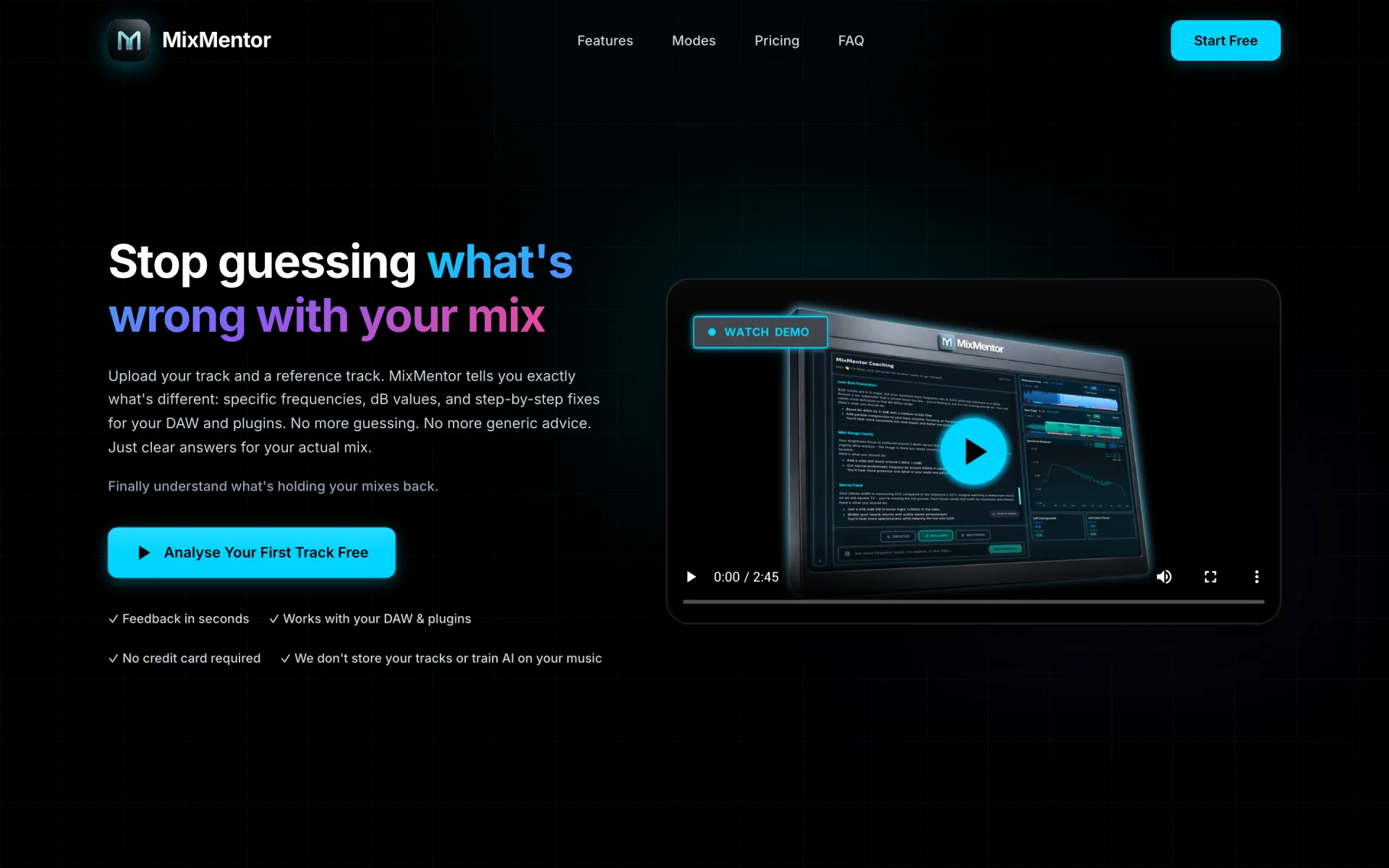
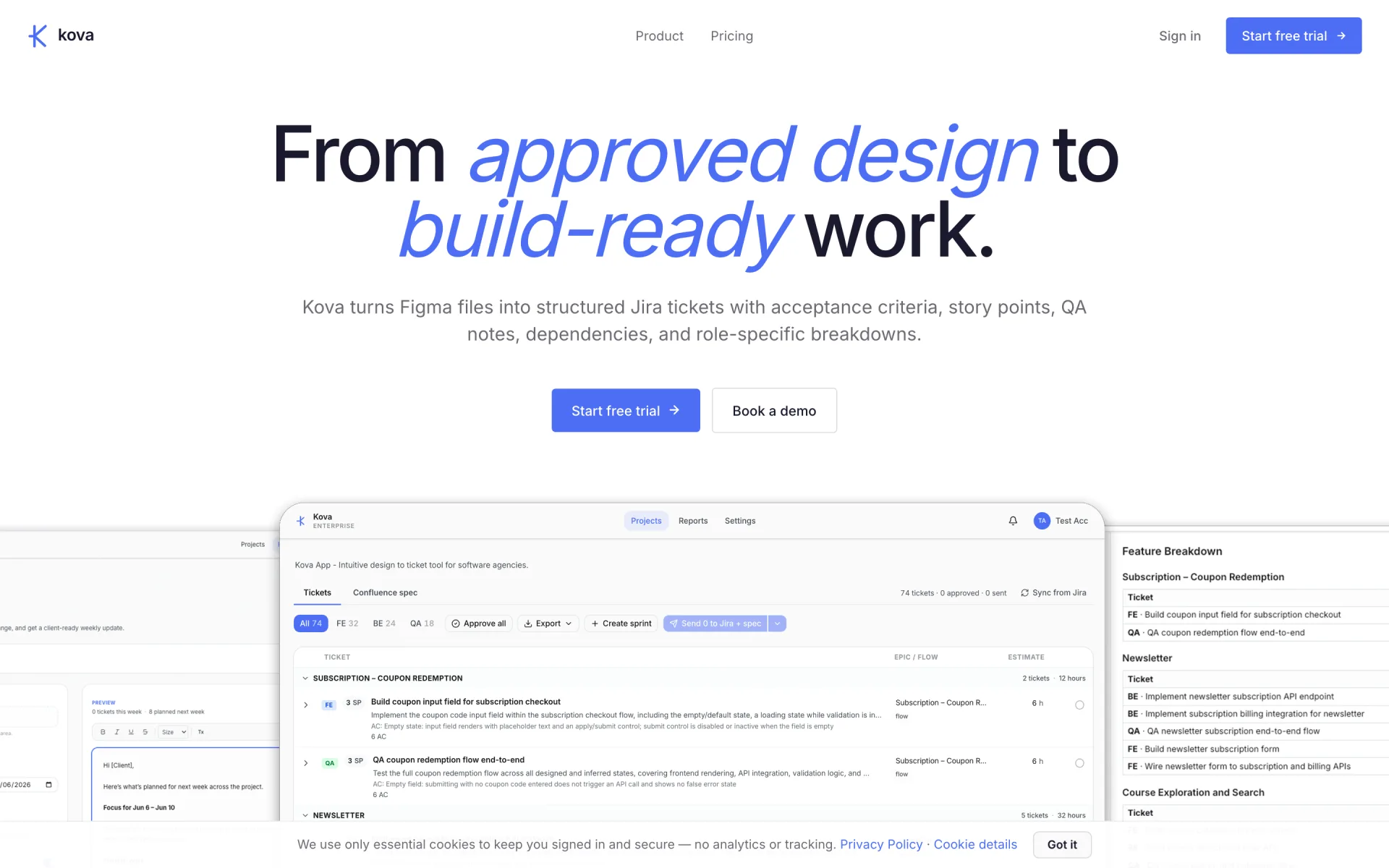
Built and in production.
Questions
About document search & retrieval
Can staff see documents they shouldn’t?
No. Access rules follow the documents, so people only get answers from what they’re allowed to see.
How do we know an answer is right?
Every answer cites the document and section it came from, so it can be checked in seconds. Accuracy is also tested against real questions before launch.
What kinds of documents can it search?
Most written documents, such as policies, manuals, contracts and procedures. Scanned images and handwriting need extra preparation, which we assess first.
What happens when a document changes?
The updated version replaces the old one, so answers follow the current document rather than an outdated copy.
Is our information used to train AI models?
We choose providers and settings to suit the data involved and limit what the model can access. We’ll explain the setup for your documents before you commit.
Further reading
AI & automation
More in AI & automation
- AI assistantsAssistants for customers or staff that answer from your own content and hand over to a person.
- Workflow automationRemove repetitive steps: sorting enquiries, extracting details and updating systems.
- LLM integrationLanguage models added to an existing product or internal tool, with structured output.
- Evaluation & guardrailsTest sets, output checks and limits, so you know how accurate the AI is.
- All of AI & automationThe full service, related work and questions.
Enquire
Talk to us about document search & retrieval.
Tell us what you are working on and what you need. An outline is enough to start. We reply within one business day.
Prefer email? hello@vareonhq.com